
Not a lite version.
The whole thing.
A multi-track timeline with keyframed motion and speed curves, colour with tone curves, per-clip EQ, transitions, effects, captions in dozens of languages, recording, and export up to 4K. Every one of those is on the free plan. There is no tier where they unlock and no watermark to remove.
Scroll it. That's the playhead.
A real project playing in the app: picture, narration, music, captions and dissolves, with the inspector counting a keyframed move as it happens. Nothing here is staged or sped up — it is fifteen seconds of the editor, and the transport is yours.
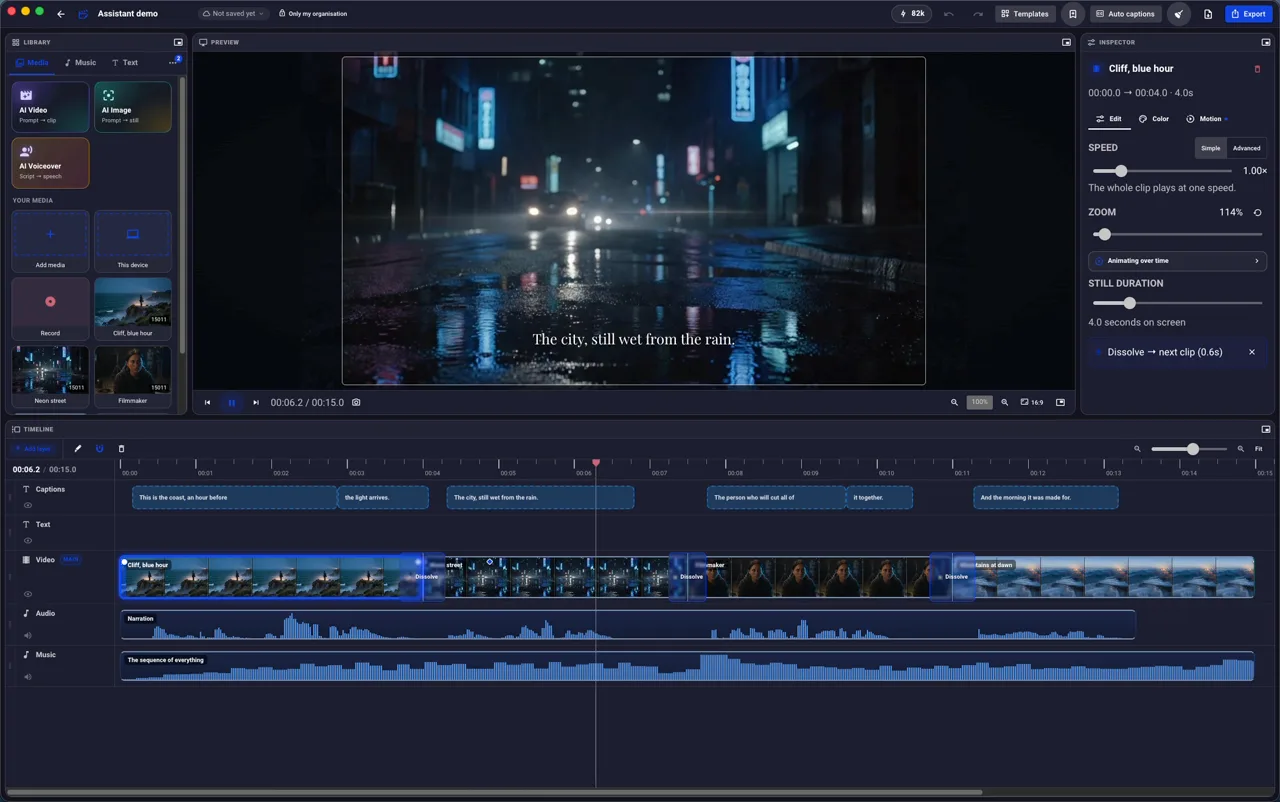
- Four shots, a narration track, and a music bed under both.
- The playhead runs. The preview cuts with it.
- A dissolve carries one shot into the next — drawn across the cut.
- Captions arrive in time with the words, on their own layer.
- Zoom 114% — the inspector counts a keyframed move as it happens.
- Picture, voice and music stay in sync, because it is one composition.
- Fifteen seconds. Nothing rendered, nothing waited for.
Every layer of that is a tool you have.
A timeline that behaves like one
Layers, magnetic snapping, ripple close, per-clip fades. Drag a clip to its neighbour and it snaps without being pushed onto a new layer.
Motion, keyframed
Push-ins, drift, handheld and Ken Burns as presets — or set a value at one moment and another later and it animates between them.
Colour that goes further than a filter
Exposure, contrast, temperature and tone curves per clip, with presets when you want the quick answer and curves when you do not.
Sound worth keeping
Per-clip EQ, fades, music beds that duck under narration, and voice clean-up that costs nothing because it runs here.
Captions in the language you need
Generated from the audio, styled, timed, translated, and exportable as a subtitle file for somebody else’s player.
Every shape from one edit
Build 16:9 and check 9:16, 1:1 and 4:5 against the same timeline, with guides showing what each crop would lose.
One window. No mode to switch into.
Colour, motion, sound and captions are all one click from the clip they belong to — not a separate page you learn before your first cut.
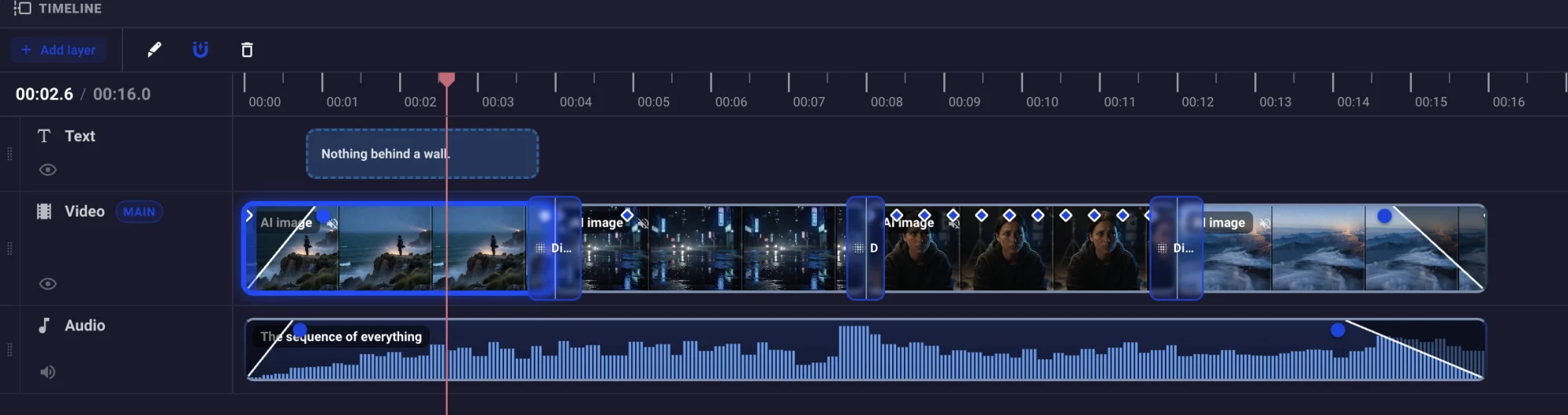
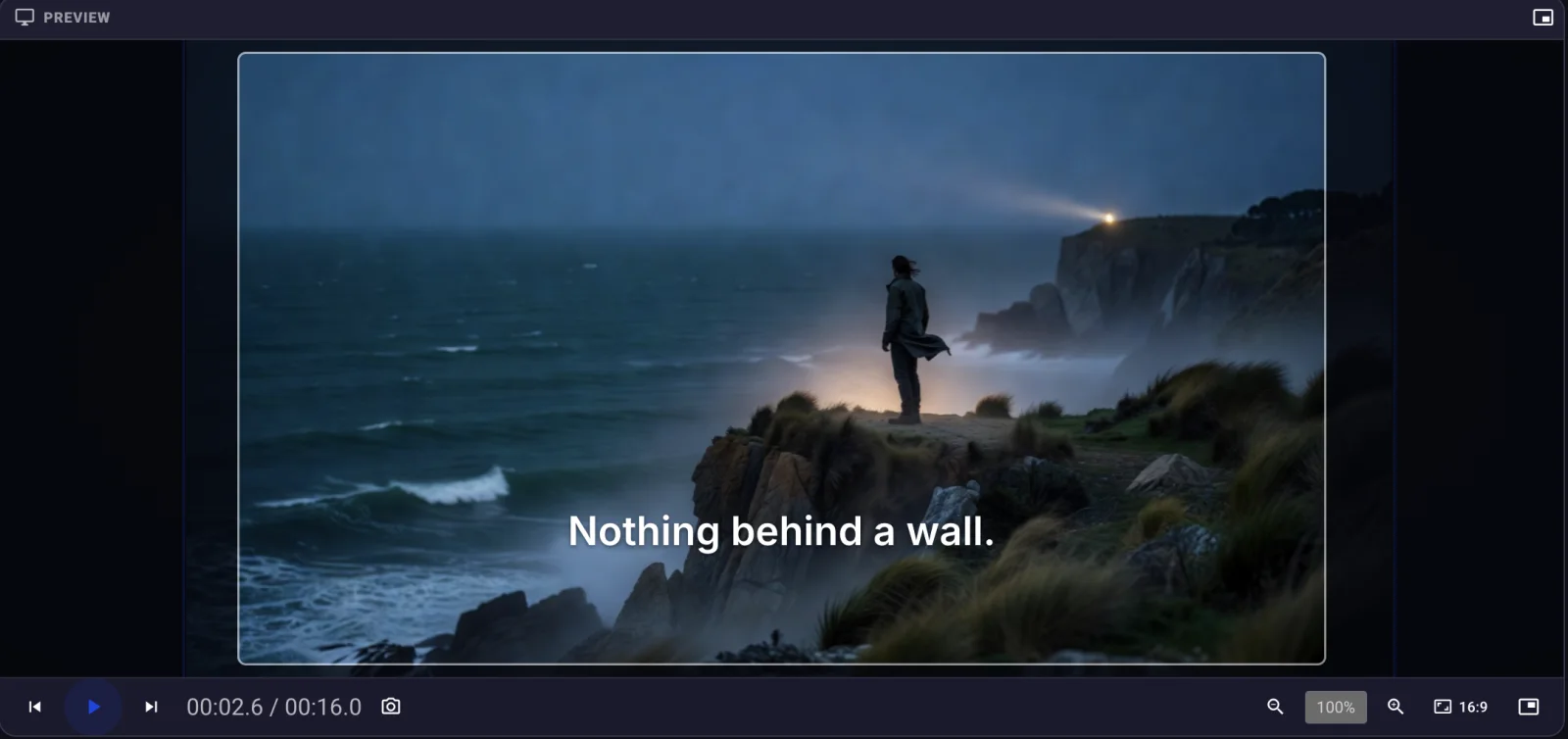
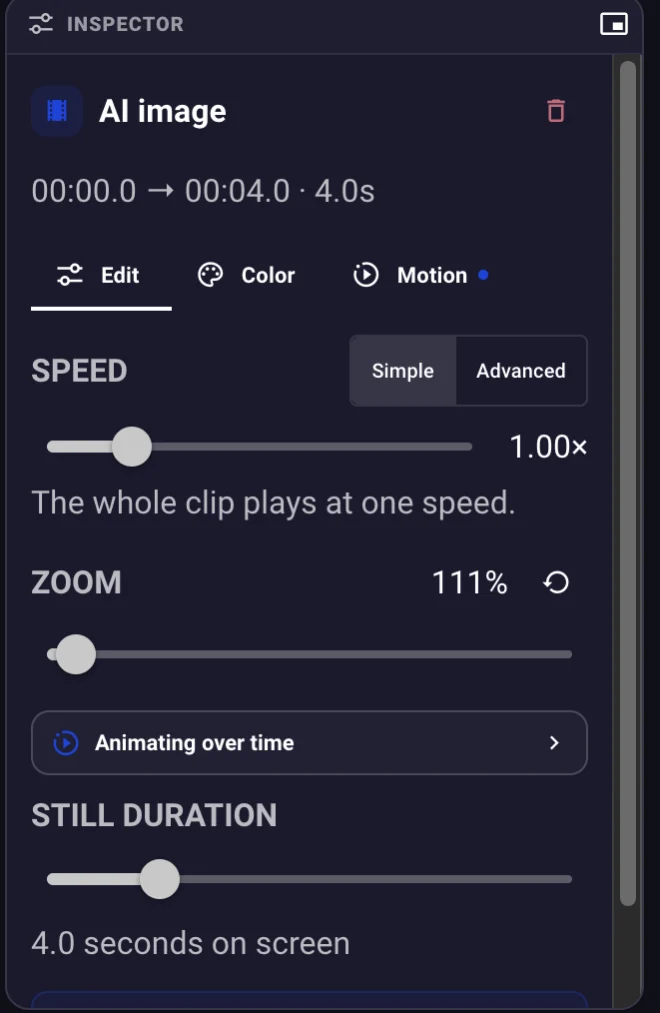
All of it, on the free plan.
No watermark, no trial clock, no effect that turns out to be paid at export. The only operations that cost anything are the ones that spend somebody else's GPUs — generated clips and voices — and the app quotes those before it spends them.
Rendering on your own machine is unlimited and free. Cloud rendering on Free is 20 minutes a month at up to 1080p, which is written down rather than discovered.