
Cut like it costs
three hundred dollars.
It costs nothing.
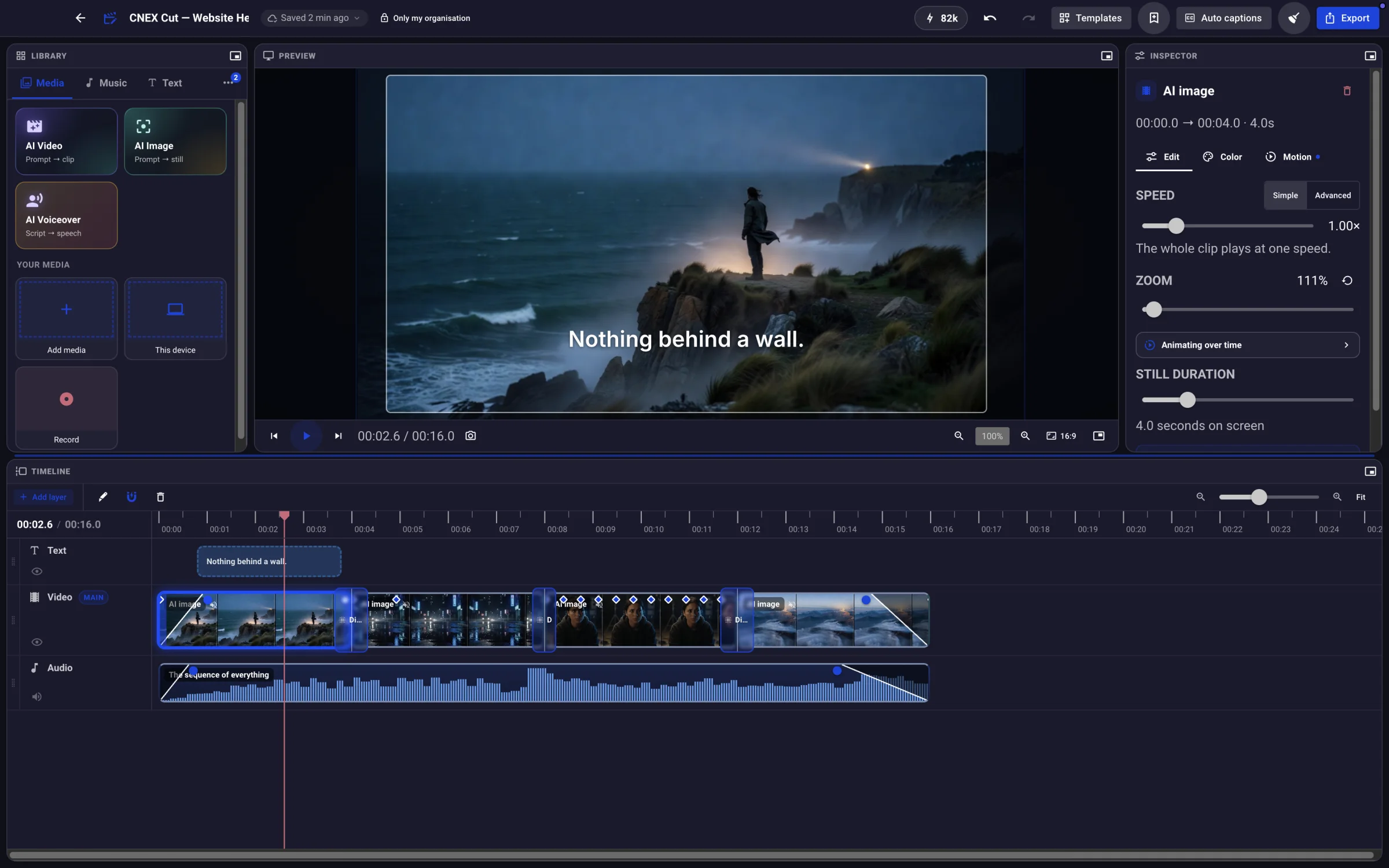
The whole editor — timeline, colour, audio, captions, effects, 4K export — free on your Mac, Windows or Linux machine. Your footage never leaves your disk. AI is the only thing that costs money, and only when you use it.
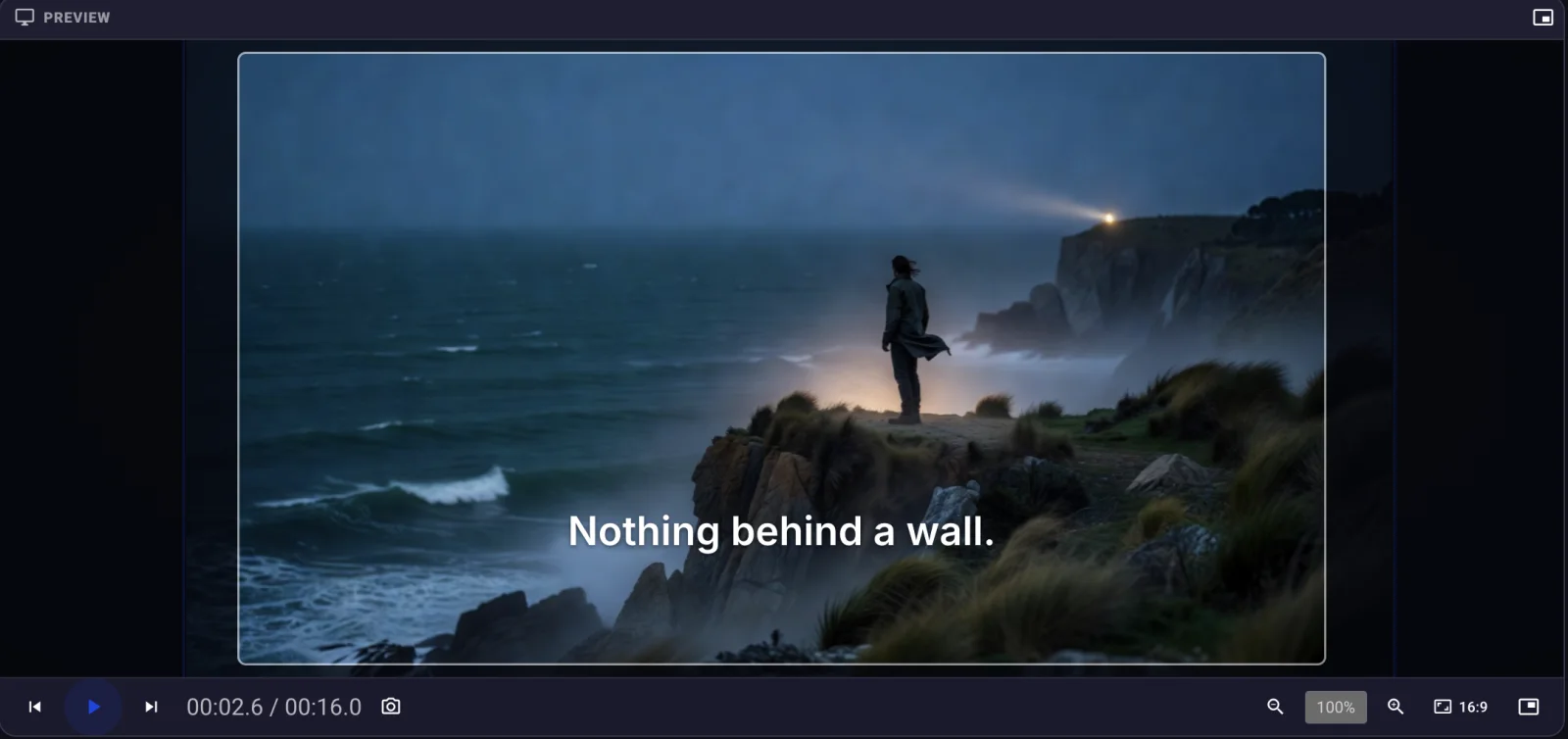
Not a lite version.
The whole thing.
Multi-track timeline, keyframed motion, speed curves, colour with tone curves, per-clip EQ, transitions, effects, templates, captions, recording, and export up to 4K. There is no tier where these unlock, and no watermark to remove.
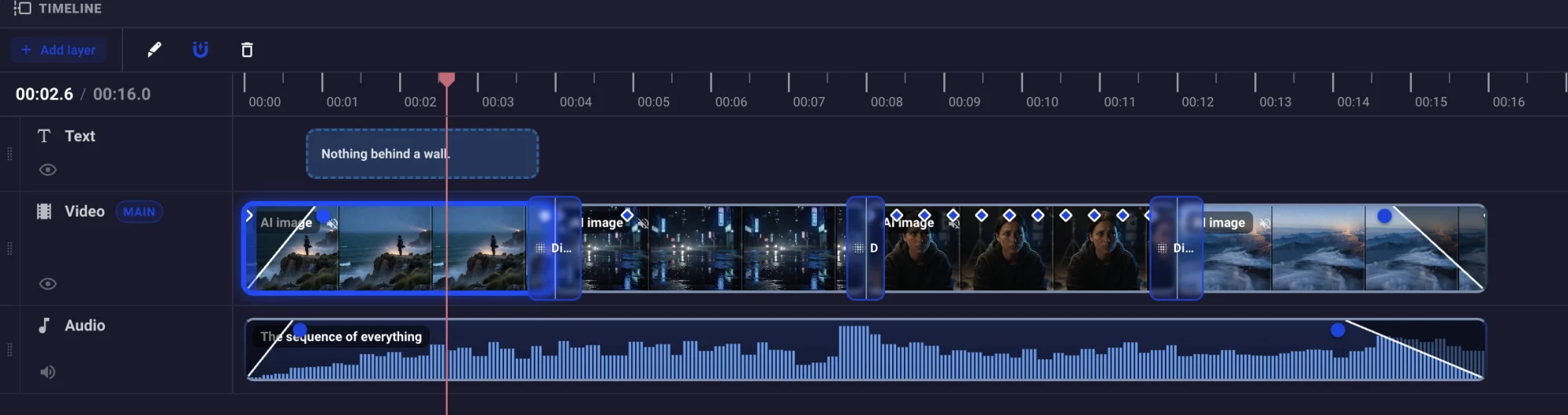
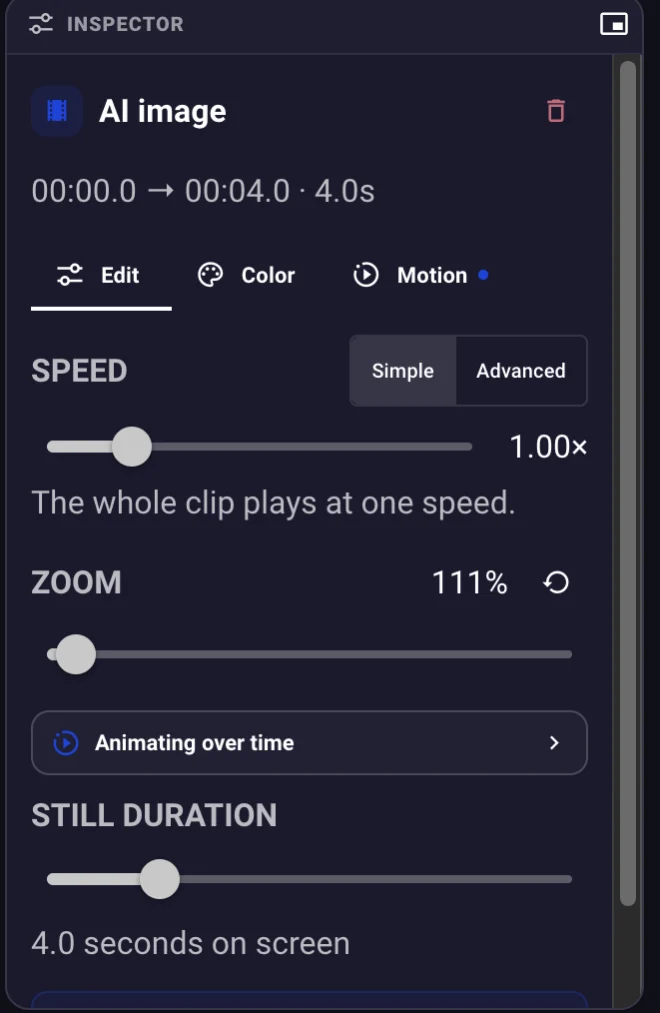
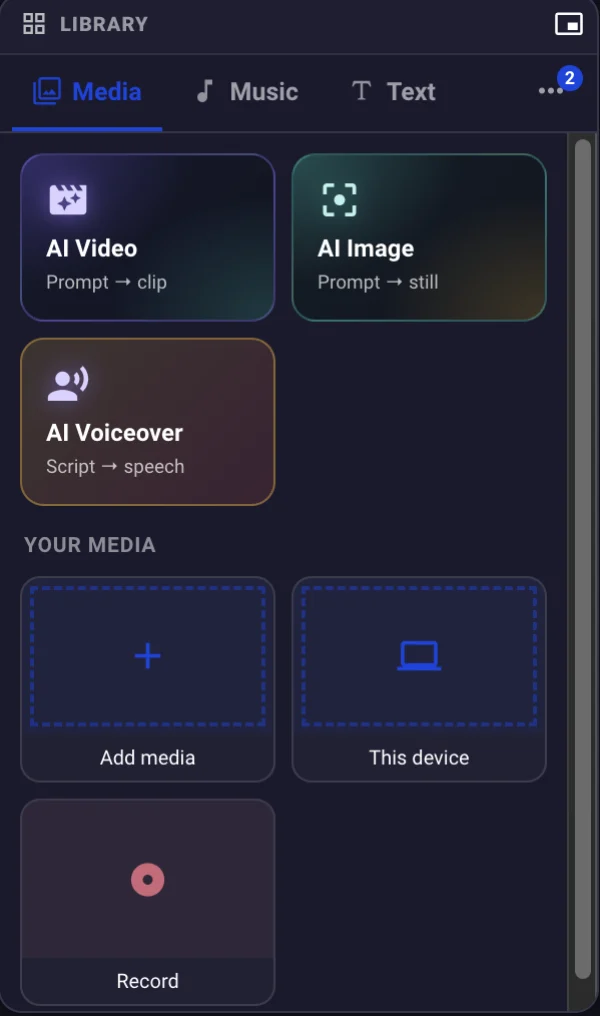
Your rushes never go anywhere.
CNEX Cut opens footage where it already is. A shoot is on the timeline the moment you drop it — no upload bar, no queue, and no copy of your work sitting on someone else's server. Cloud storage becomes what it should always have been: backup and sync, not the price of entry.
- Your drive is the library — no sync, no quota
- Private by architecture, not by policy
- Works on a plane, a train, and a bad hotel connection
Nothing can be cut until the upload finishes.
The files never move. The timeline opens on them where they are.
12 GB of rushes over a 40 Mbit/s upload. Your connection, your maths.
Export 4K until your hard drive complains.
When a project can be rendered on your own machine, it is — your CPU, your GPU, no queue, no upload, no meter, no cost. Anything the local renderer cannot express goes to the cloud instead, and the app tells you which reason applies rather than silently charging you for it.
Cloud rendering on Free: 20 minutes a month, up to 1080p. Studio raises it to 4K with priority. Local rendering is uncapped on every plan.
Say what you want.
Watch it happen.
Connect Claude — the subscription you already have — and it drives the real timeline. Not a copy, not a render queue: the same composition your mouse edits, so every change appears live in front of you, and one instruction is one undo.
- Read the timeline and the spoken wordswith timings
- Found and removed the dead air14 seconds, nine gaps, closed behind them
- Trimmed the sequence to a minutefrom 1:47
- Captions written from the audio, and styled38 lines
- Every cut moved onto a beat112 bpm
⌘Zputs all of it back. One instruction is one undo.
- “Find the bit where she mentions the price”
- “Make a 9:16 version that keeps the faces in frame”
- “Take out every um”
- “Cut the shots to the beat”
- “Add captions in Spanish”
- “Export 4K and save it to my desktop”
Needs the desktop app and an assistant you already pay for. Nothing is sent anywhere new.
Money only ever buys machine time.
Generated video, generated images, voices, captions and translation run on somebody's GPUs, so they cost credits. Everything that runs on your hardware is free, for as long as you own the hardware.
Buy a pack once and it never expires. No monthly allowance to run out of on the 14th, and no subscription standing between you and the tool.
$5for 400 · never expires
A pack of credits, bought when you want them and spent when you generate something. There is no plan attached to it and nothing renews.
- AI video, images, voices, captions and translation
- The app quotes the cost before it spends anything
- Unused credits sit there until you come back
- No card on file required to keep editing
Bigger packs cost less per credit — 20,000 for $120; the app shows the rate.
1,000credits every month, plus the cloud
If you generate regularly, Studio includes 1,000 credits a month — and it is not really an editor subscription at all.
- The same timeline open in any browser, projects following you
- 4K cloud rendering with priority in the queue
- Content Hub: five connected profiles, scheduling, drafted replies
- 100 GB of cloud storage
Free stays free: the desktop editor, unlimited local 4K, no watermark.
The subscription isn't for the editor.
It's for the business around it.
Studio opens the same timeline in any browser and keeps projects following you between machines. Business carries CNEX Flow, the platform your company runs on once the video is made — and the AI staff you can hire to run it. No other editor has anything like it.
No asterisk you'll
find out about later.
Free is not a trial and does not expire. Here is the whole shape of it, limits first.
| What you get | Free no card, no clock | Studio the cloud around it | Business the company around it |
|---|---|---|---|
| CNEX Cut — the editor | |||
| The whole editor, no watermark | ✓ | ✓ | ✓ |
| Render on your own device Unlimited. Uses your machine, so it costs nothing. | ✓ | ✓ | ✓ |
| Footage from your own disk Never uploaded. | ✓ | ✓ | ✓ |
| Editing in a browser Projects follow you between machines. | — | ✓ | ✓ |
| Cloud rendering | 20 min / month | Priority | Priority |
| Cloud export resolution | Up to 1080p | Up to 4K | Up to 4K |
| AI video, images and voice Spends credits on every plan. | Buy credits | ✓ | ✓ |
| Credits included each month | — | 1,000 | 2,000 a seat |
| Content Hub — publishing | |||
| Connected social profiles | 1 | 5 | Unlimited |
| Scheduling, auto-publish, drafted replies | — | ✓ | ✓ |
| CNEX Flow — the business platform | |||
| Clients, invoicing, projects, documents | ✓ | ✓ | ✓ |
| Clients | 50 | 50 | Unlimited |
| Invoices | 5 / month | 5 / month | Unlimited |
| Projects | 2 | 2 | Unlimited |
| Team members | 1 | 1 | Per seat |
| AI staff to hire Receptionist · Growth Manager · AI Engineer | — | — | ✓ |
| Storage | |||
| Cloud storage +100 GB is $3 a month on any plan. | 1 GB | 100 GB | 100 GB + 50 GB a seat |
It's a download.
That's the whole commitment.
No account needed to install. No card. No watermark waiting at the end of your first export.
macOS 13+ · Windows 10+ · Linux AppImage · iOS and Android coming